
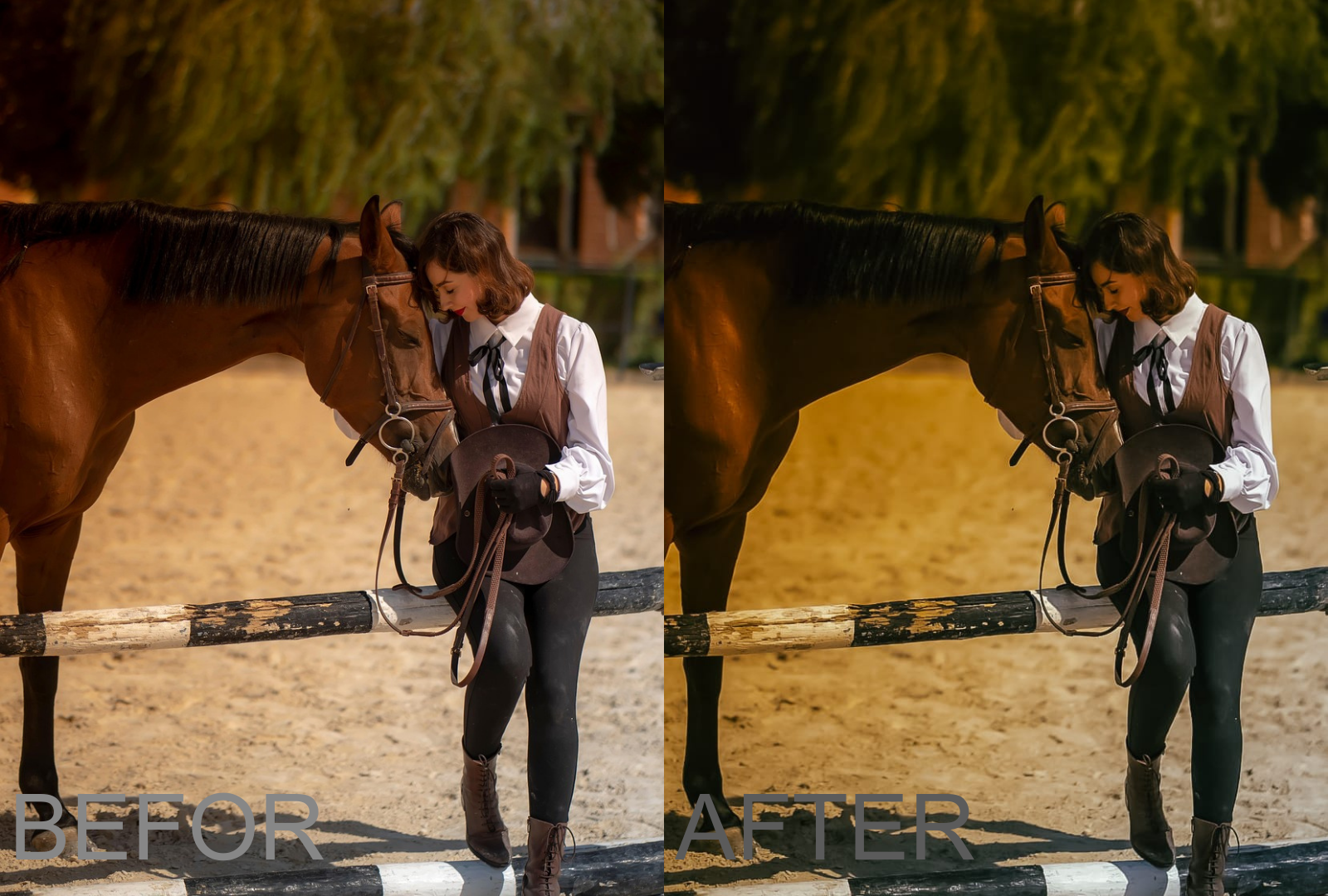
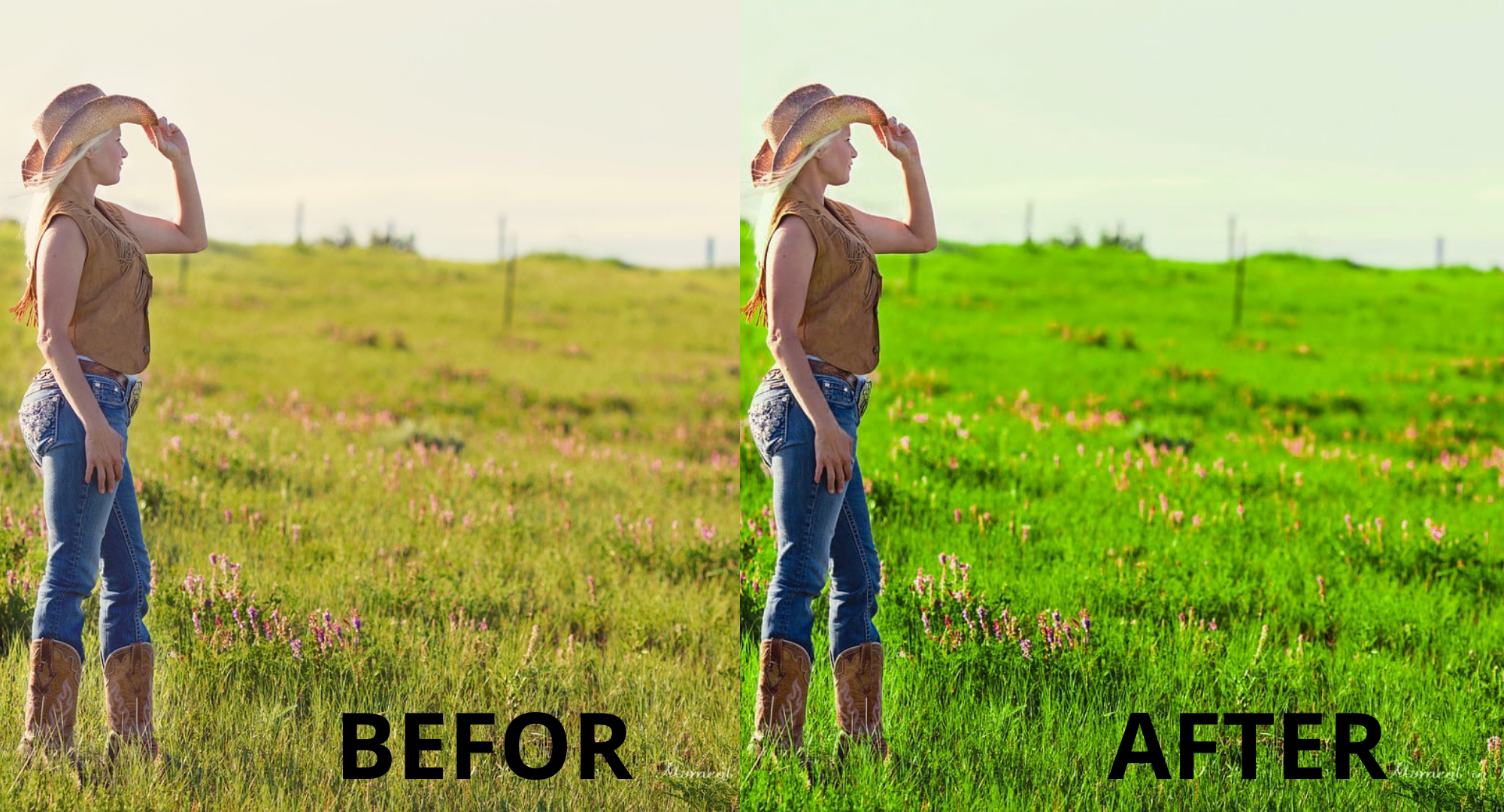
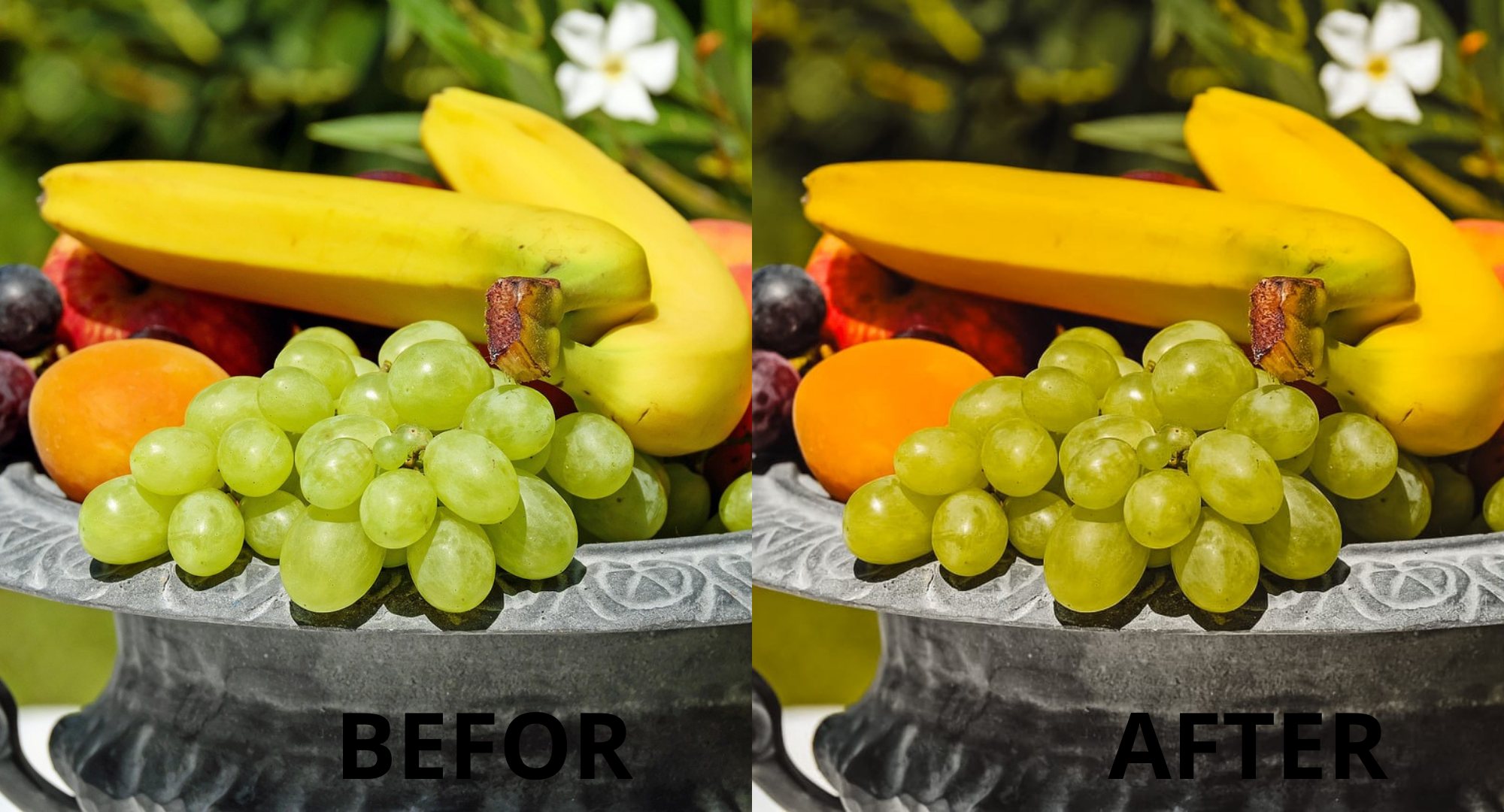
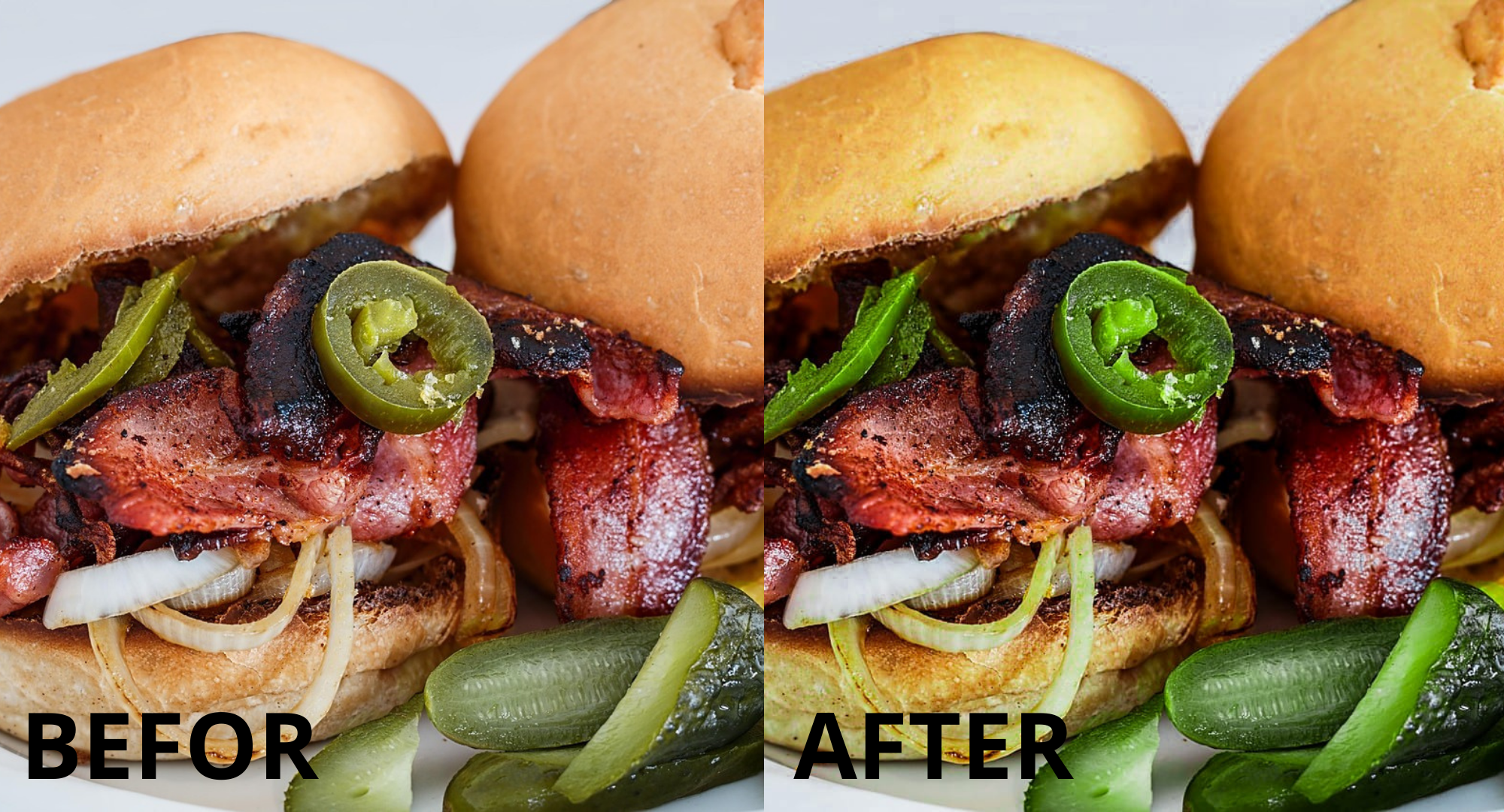
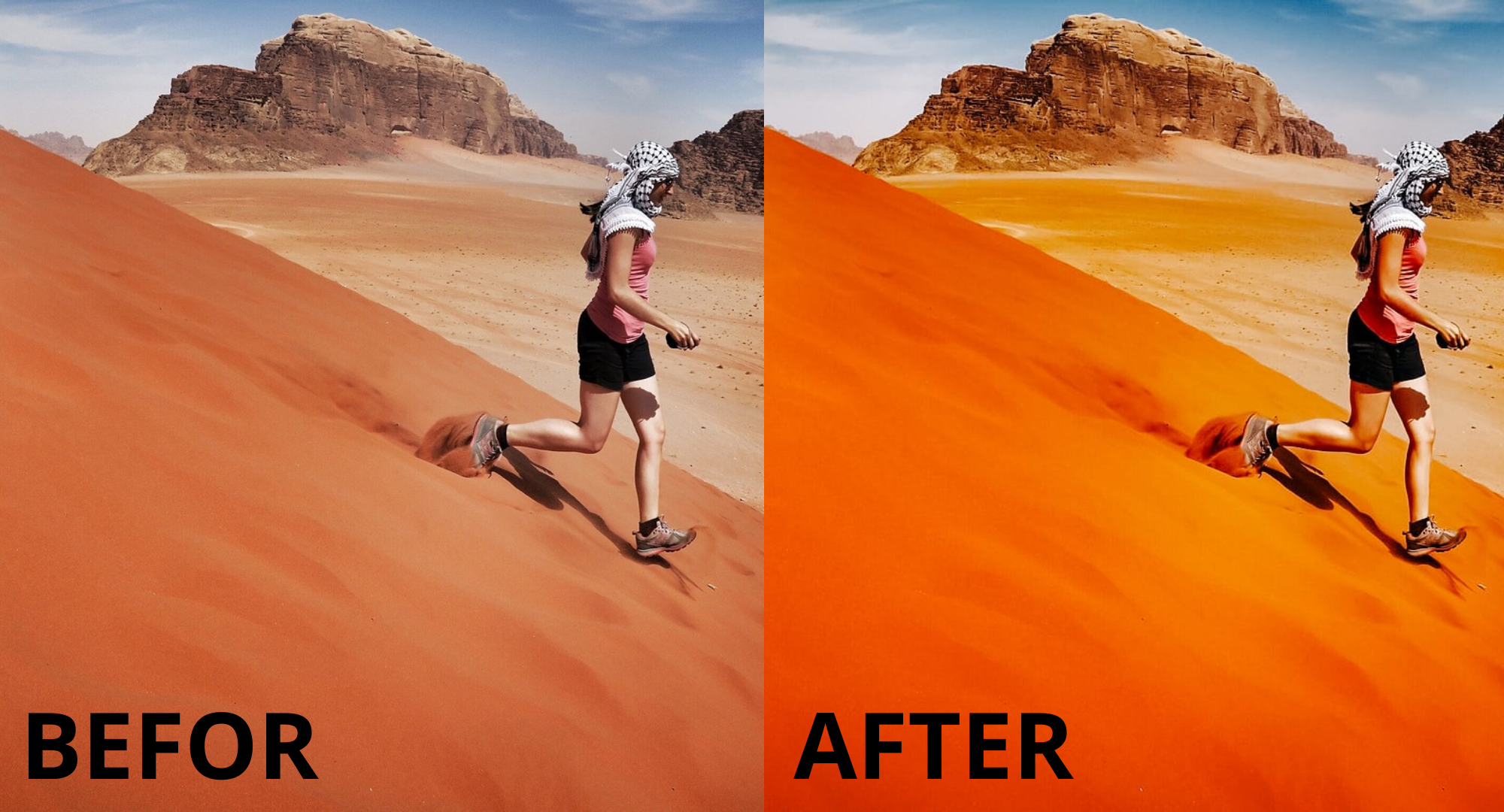
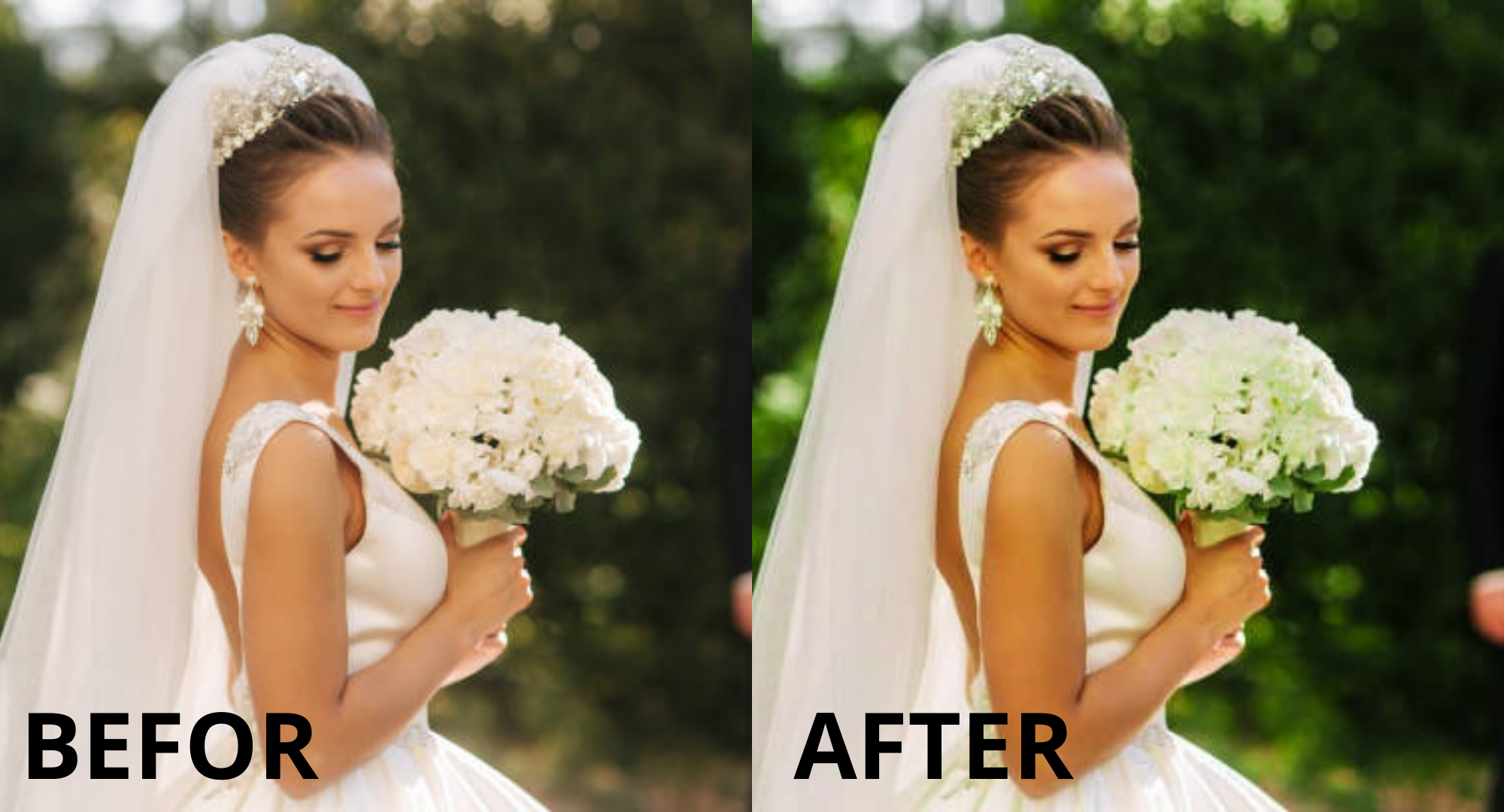
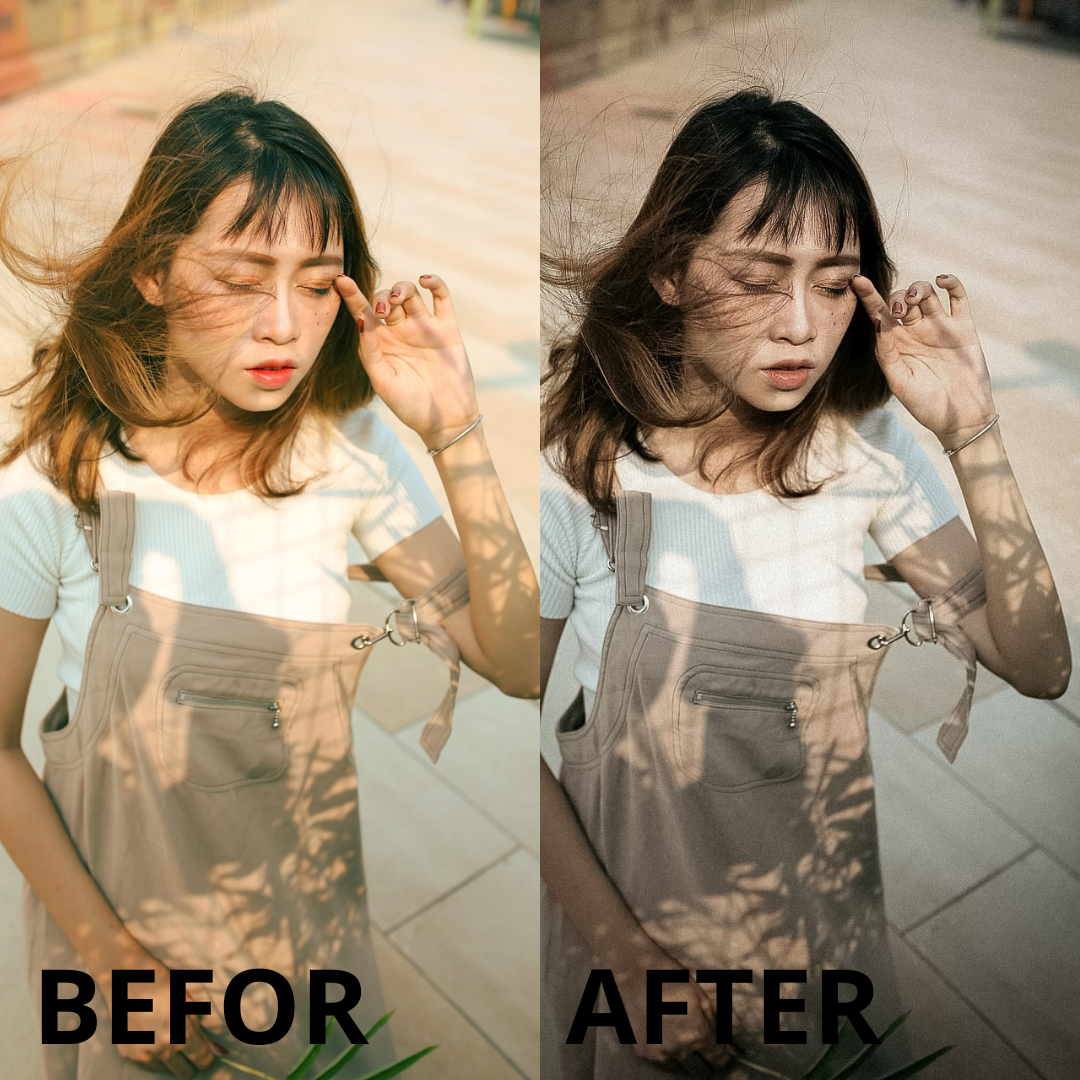
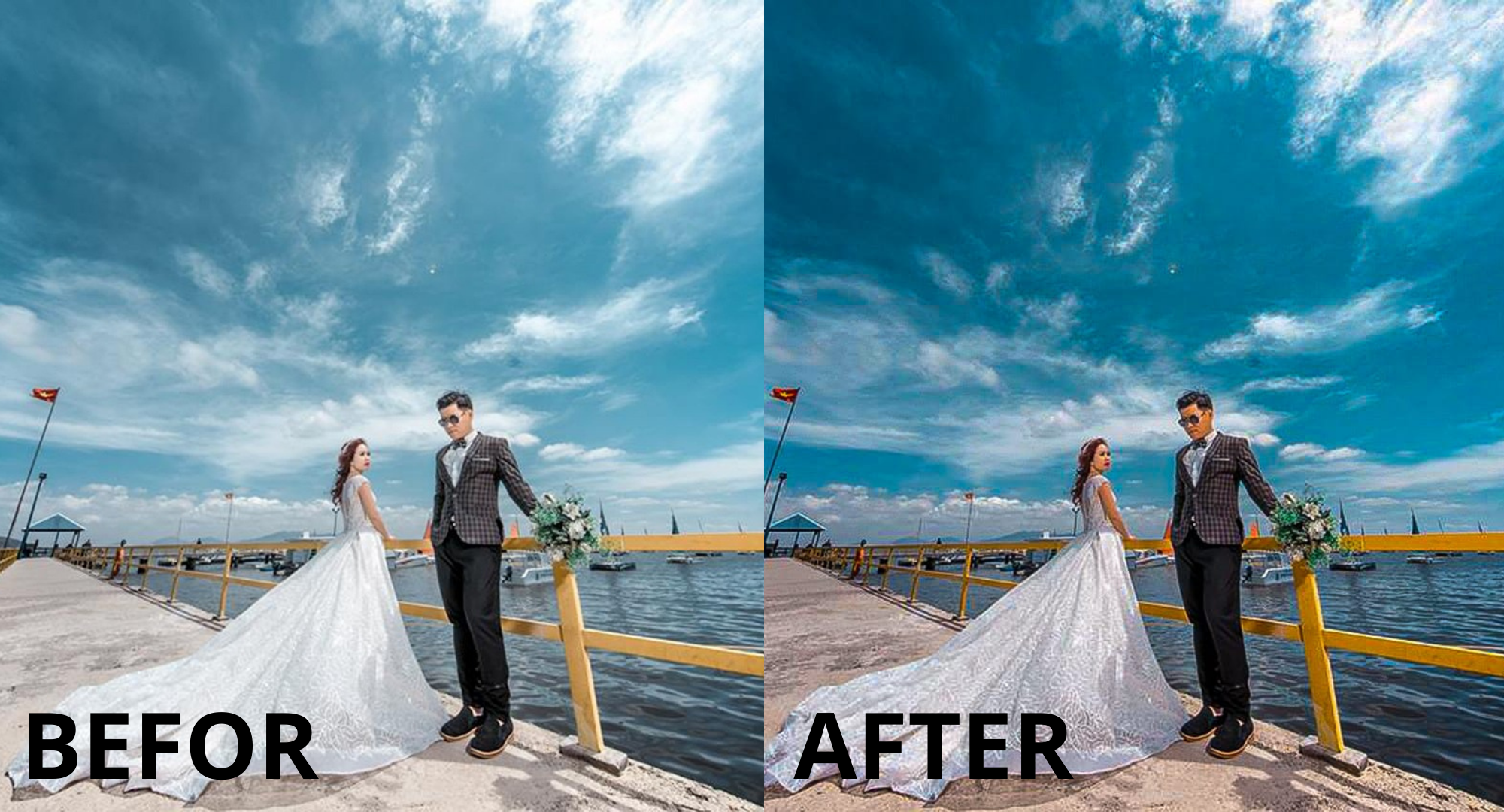
Highlights
Designed by vasst.store
Digital download
Digital file type(s): 2 ZIP, 1 PDF
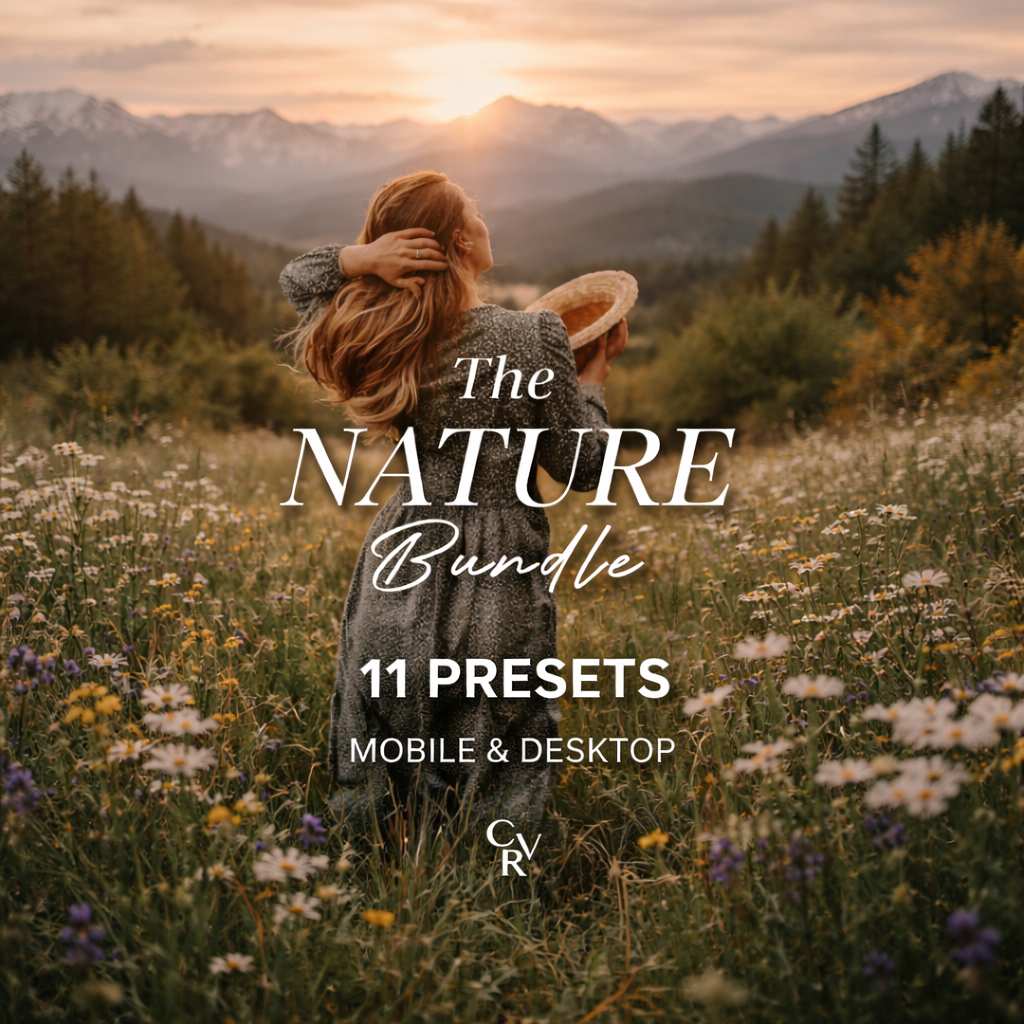
- Mobile presets designed to make your content look professional instantly.
Turn your normal, boring photos into cinematic, eye-catching masterpieces — even if you have ZERO photography experience.
Inside this powerful step-by-step course, you will discover the exact shooting techniques, lighting secrets, composition tricks, and editing workflows used by mobile photographers to create stunning photos that get attention on Instagram and beyond.
⭐ No expensive camera needed
⭐ No technical knowledge required
⭐ Just your iPhone and the right guidance
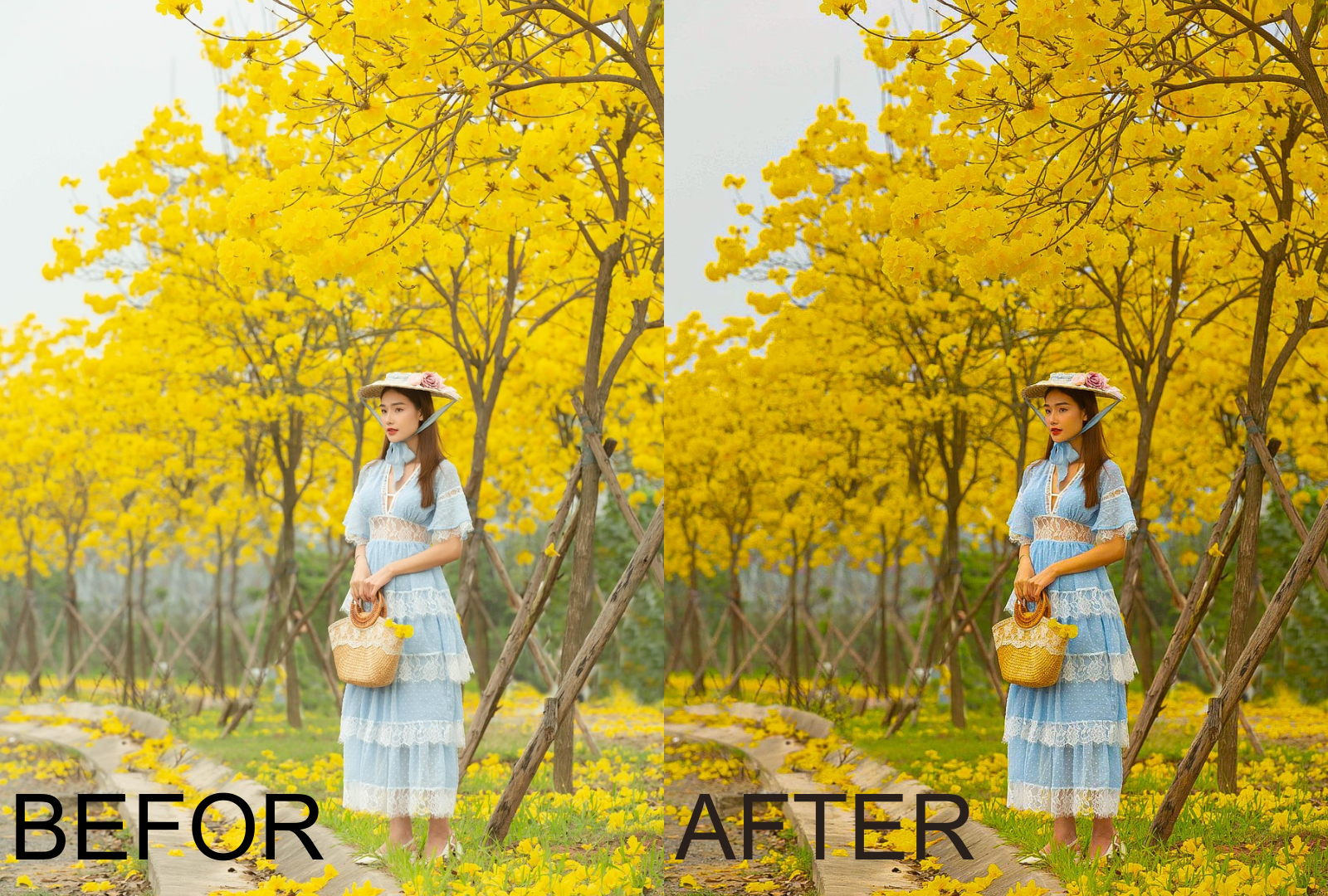
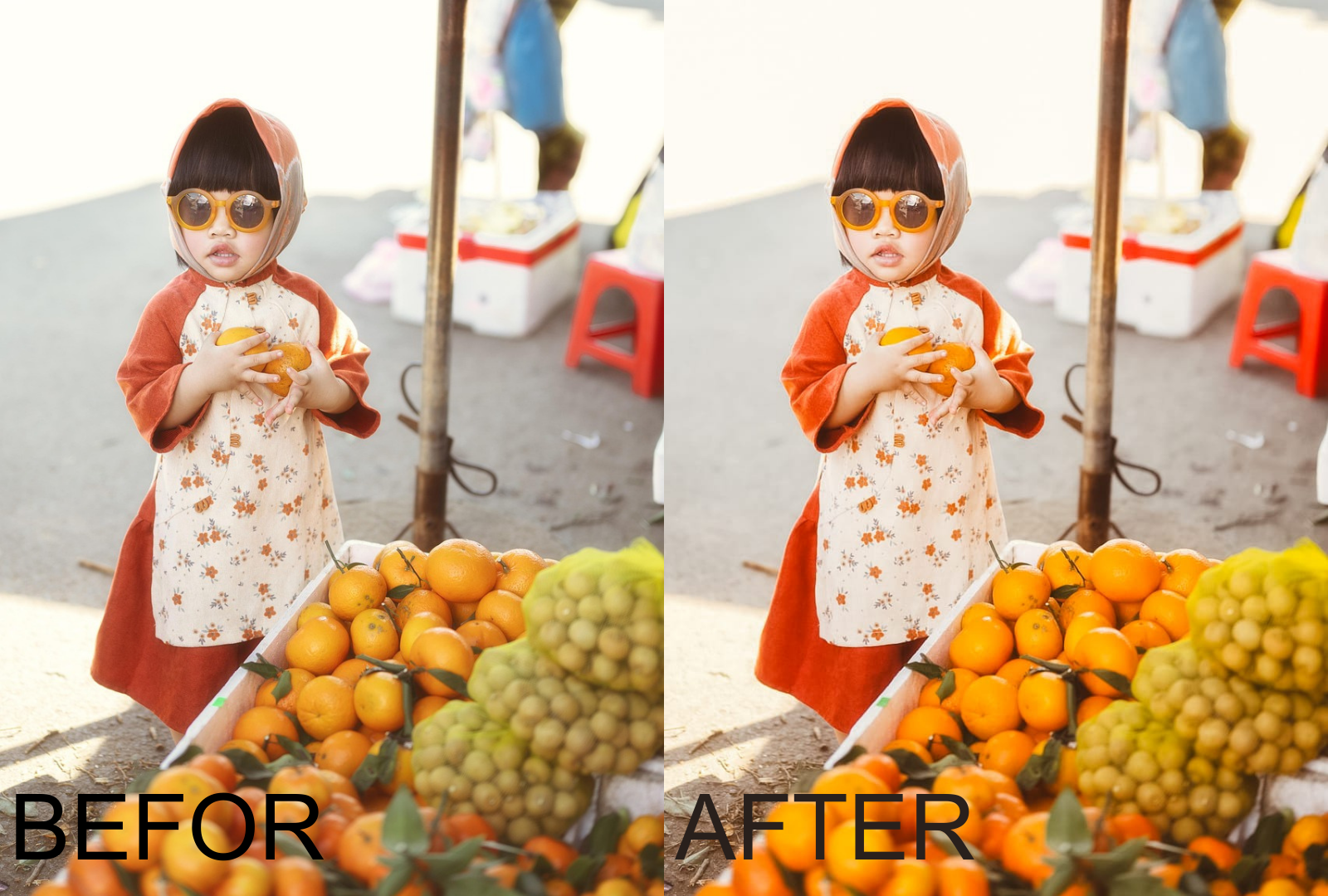
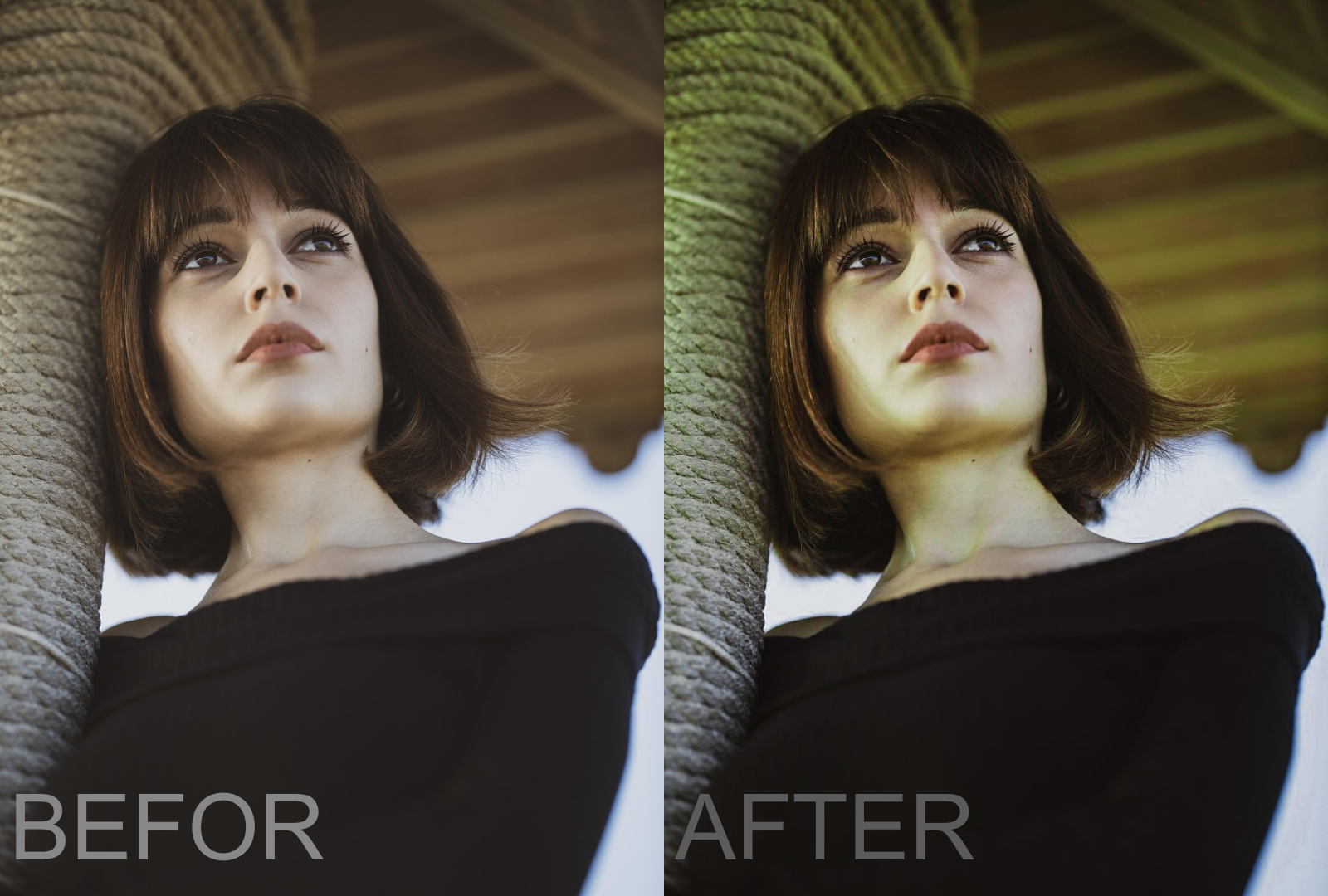
👇 See the transformation below
📸 Here’s what you didn’t know about your phone camera:
-
Clean your camera lens before shooting – it makes colors sharper and photos instantly clearer.
-
Avoid using digital zoom – instead, move closer and crop later for better quality.
-
Tap on the subject to focus – it balances light and makes your shots look professional.
-
Use natural light whenever possible – photos always look better than with flash.
-
Try shooting from a lower or higher angle – it adds depth and makes photos more dynamic.
-
Hold your phone with both hands or lean on something – it reduces blur from shaking.
-
Switch to portrait mode for people – it creates a blurred background and a sharp subject.
-
Use the grid lines option – it helps you apply the “rule of thirds” like a pro.
- Feeling the difference? Good, there’s more
-

✨ New to Lightroom? Don’t worry!
I’ll guide you step by step:-
Download the free Lightroom app (iOS or Android).
-
Import your photos in seconds.
-
Apply a few starter settings I’ll share with you to instantly enhance your shots.
-
Then, unlock the full magic with my professional presets.
Start transforming your photos today – it’s easier than you think! 📸
-
-
📸 Starter Lightroom Settings (Free Sample)
-
Exposure: +0.30 → brighten your photo a little.
-
Contrast: +10 → make details stand out.
-
Highlights: -20 → keep the bright areas soft.
-
Shadows: +20 → bring out details in darker parts.
-
Whites: +10 → add some pop.
-
Blacks: -10 → make colors deeper.
-
Vibrance: +15 → boost natural colors.
-
Saturation: +5 → add a little extra color.
-
Sharpening: +20 → make the photo crisp.
With these presets you can:
✔ Transform dull photos into cinematic content
✔ Make your Instagram feed look professional
✔ Save hours of editing time
✔ Get more engagement on your posts - License & Usage
-
This product is sold with resell rights. You are allowed to use and resell the content, but you may not claim original authorship.
- ♦️ Works in Lightroom Mobile App (iOS/Android)
♦️ Works With & Without Adobe subscription
♦️ Compatible with All Photo formats
-
-
- Included:
🔶11 Lightroom presets in .DNG format for MOBILE Lightroom (.ZIP Archive)
🔶11 Lightroom presets in .XMP format for DESKTOP Lightroom (.ZIP Archive)
🔶.PDF Instruction Guide
 No products in the cart.
Reviews
There are no reviews yet.